By Ustarminer Engineering Team
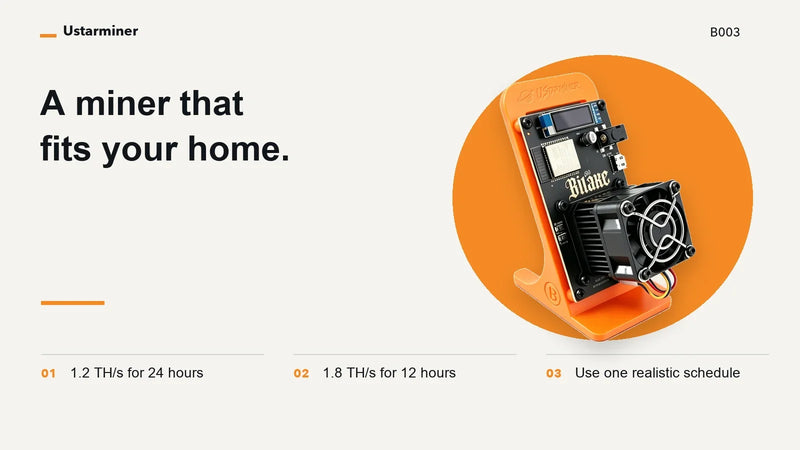
The current Gamma 602 combines a BM1370pf ASIC, a copper-pipe cooling tower and a matched 12V/4A adapter. Its reference configurations are 1.8 TH/s at about 38W AC and 2.0 TH/s at about 40W AC, both at 25°C.
Before buying, confirm the full kit and a suitable location. After delivery, compare the physical items with the order and verify stock operation. Those checks turn the headline hashrate into an installation you can use.
Contents

What are the current 602 specifications?
The current engineering specification identifies the 602 as BM1370pf, with a 12V/4A adapter rated for 48W output capacity. At 25°C, mode 1 is 1.8 TH/s at about 38W AC and mode 2 is 2.0 TH/s at about 40W AC. The AC values include adapter losses, fan and peripherals. These figures describe the current kit; use its order specification rather than a historical adapter or power entry.
Calculated whole-system efficiency is about 21.1 J/TH at 1.8 TH/s and 20.0 J/TH at 2.0 TH/s. These ratios are calculated from the supplied specifications. The factory setting is 900MHz/1150mV core. Treat the two modes as performance references rather than exact frequency/voltage recipes.
The 602 cooler is a 40×40×40mm copper-pipe tower with a 15,000RPM ball-bearing fan. Compared with the current 601’s 40×40×20mm black aluminum heatsink, 8,000RPM hydraulic-bearing fan and 12V/3A 36W adapter, this is a different supplied cooling and power arrangement. Heatsink dimensions do not establish an exact fan-thickness difference.
What should the complete kit contain?
| Checkpoint | Current complete-kit reference | Action before purchase or power-on |
|---|---|---|
| Hashing hardware | BM1370pf | Match the full 602 configuration |
| DC power | Original 12V/4A adapter, 48W capacity | Keep the matched supply with the unit |
| Cooling | Copper-pipe tower and ball-bearing fan | Allow airflow and inspect condition |
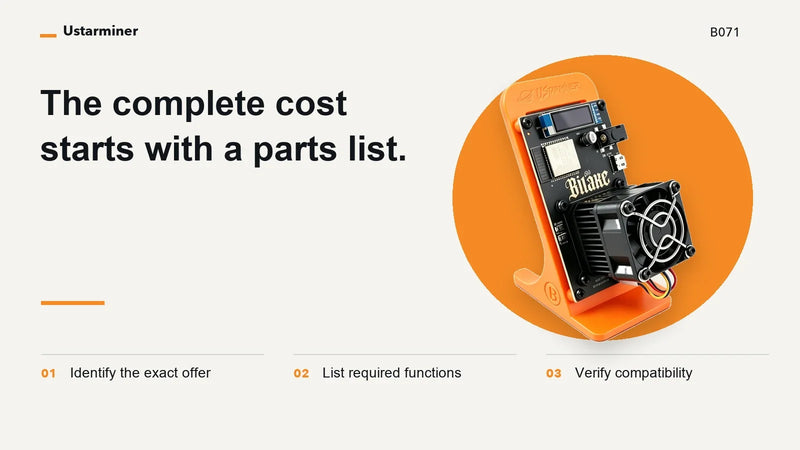
| Included core items | Motherboard, cooler, fan, adapter and stand | Compare the selected order and delivered items |
| Owner preparation | Wi-Fi and phone or computer | Confirm a suitable network and setup route |
Engineering lists the current complete kit contents as the integrated ASIC/controller motherboard, cooling module, fan, matching adapter and desktop stand. Owners provide Wi-Fi and a phone or computer. Check the actual order variant for regional AC lead, plug and assembly choices.
A photograph of the actual included parts helps resolve ambiguous descriptions. For an older or used unit, ask specifically for the input label and adapter output label. A picture showing only that the barrel connector fits cannot distinguish voltage generations.
Keep activation material and any serial information private. It can be relevant to onboarding or support, but does not belong in a public unboxing photograph. Purchase documentation should help identify the kit without exposing access information.
Which power supply and firmware belong to it?
Keep the original 12V/4A adapter with the current 602. Its 48W label is output capacity, separate from the 38W and 40W reference AC consumption. Use one original matched adapter per miner, without DC extensions, conversion tips, splitters or shared supplies.
If buying an older or used unit, identify the actual board and input voltage before connecting it. Legacy 5V equipment and current 12V hardware need separate treatment. A matching plug, packaging logo or previously replaced supply cannot establish the unit's electrical generation.
Current 12V hardware needs model-matched Ustarminer firmware from the StarMiner repository or the product manual and support channel. A familiar AxeOS interface does not make an arbitrary image compatible.
If an order record, label and instruction disagree, resolve that discrepancy first. A software change cannot convert the input hardware, and a 601 adapter is not established as a substitute for the current 602 supply.
How much more capacity are you choosing?
Against a 1.2 TH/s rating, 1.8 TH/s gives 1.8 ÷ 1.2 = 1.5 times the nominal hashing capacity. The 2.0 TH/s reference gives about 1.67 times. Compare each with its own listed AC power and cooling configuration.
The 601's smaller aluminum heatsink and lower reference load may suit a compact installation. The 602's larger tower and higher capacity suit a buyer who wants the extra work rate and can accommodate the complete kit. Both teach the basic tasks of network configuration and service verification.
Use the published 602 modes as paired performance-and-power references. Although the factory setting is 900MHz/1150mV core, the supplied information does not map each mode to a frequency-and-voltage recipe. Maximum controls are not a substitute for a supported operating profile.
How should you prepare the location?
Measure the assembled arrangement with the stand, adapter, cable bends and clear intake/exhaust space. The 40×40×40mm tower dimension describes a cooling component, so it is not the complete installed footprint.
Keep the power connection reachable and inspect the cooling path without moving a running unit. Assess sound at your intended chair or bed. Fan RPM and bearing type identify hardware; they do not establish a dBA result or quiet-room suitability.
Prepare a 2.4GHz WPA/WPA2 Wi-Fi connection and a phone or computer for setup. Check that your chosen network permits the required local access. A phone's ability to join an enterprise or captive-portal network does not establish miner compatibility.
Use realistic operating hours for the electricity budget. If you will stop the device overnight, plan around that schedule rather than a continuous-operation figure.
How do you accept the delivered kit?
Inspect labels, connectors and cooler condition before applying power. Use the applicable setup instructions and keep the supported stock settings. Record firmware and the configuration privately before experimenting.
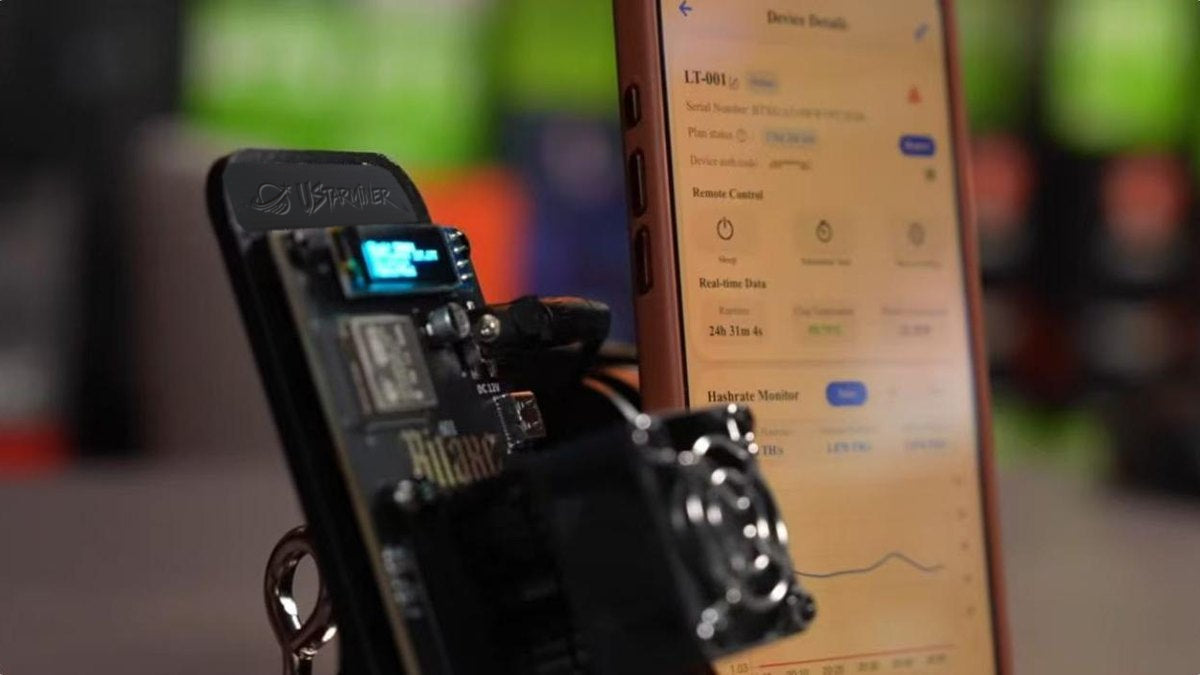
Then confirm boot, required cooling, network access, new jobs and accepted work under your own receiving identity. A screenshot of a brief local peak is weaker acceptance evidence than a stable timeline linking these observations. Give pool statistics their appropriate update window.
A hypothetical first-day check might show expected local work but repeated uptime resets. Preserve those events and investigate the actual supply, cooling and firmware rather than declaring acceptance because one screenshot reached 1.8 TH/s. The baseline should explain ordinary operation, including faults.
Separate a delivery discrepancy from an operating issue
Missing agreed accessories, damage or conflicting input labels should be documented in the delivered state. Retain the order option and packaging while the issue is reviewed. Altering firmware or cooling first can make that original condition harder to establish.
A correctly identified kit with a brief low service estimate calls for a different record: stock settings, uptime, current jobs, accepted shares and the service's averaging window. Investigate the operating timeline before treating the statistic as a missing hardware configuration.
Frequently asked questions
Does the 48W adapter mean the miner always consumes 48W?
No. That is rated DC output capacity. The current AC references are about 38W and 40W at the stated performance points.
Can a 601 supply power a current 602?
Use the 602's own original matched 12V/4A adapter. A physically fitting 601 supply is not an approved substitute.
Does the current kit include a stand?
Engineering lists the motherboard, cooling module, fan, matched adapter and desktop stand. Confirm regional lead, plug and assembly options against the selected order.
Is 900MHz an exact recipe for both published modes?
The factory setting and mode performance figures are supplied separately. Do not infer an undocumented mode-to-frequency mapping.